Table of Contents
- Understanding the Basics of Heatmaps
- Utilizing Heatmaps to Analyze User Behavior
- Implementing Changes Based on Heatmap Data
- Measuring the Impact on Content Engagement
Understanding the Basics of Heatmaps
What are Heatmaps?
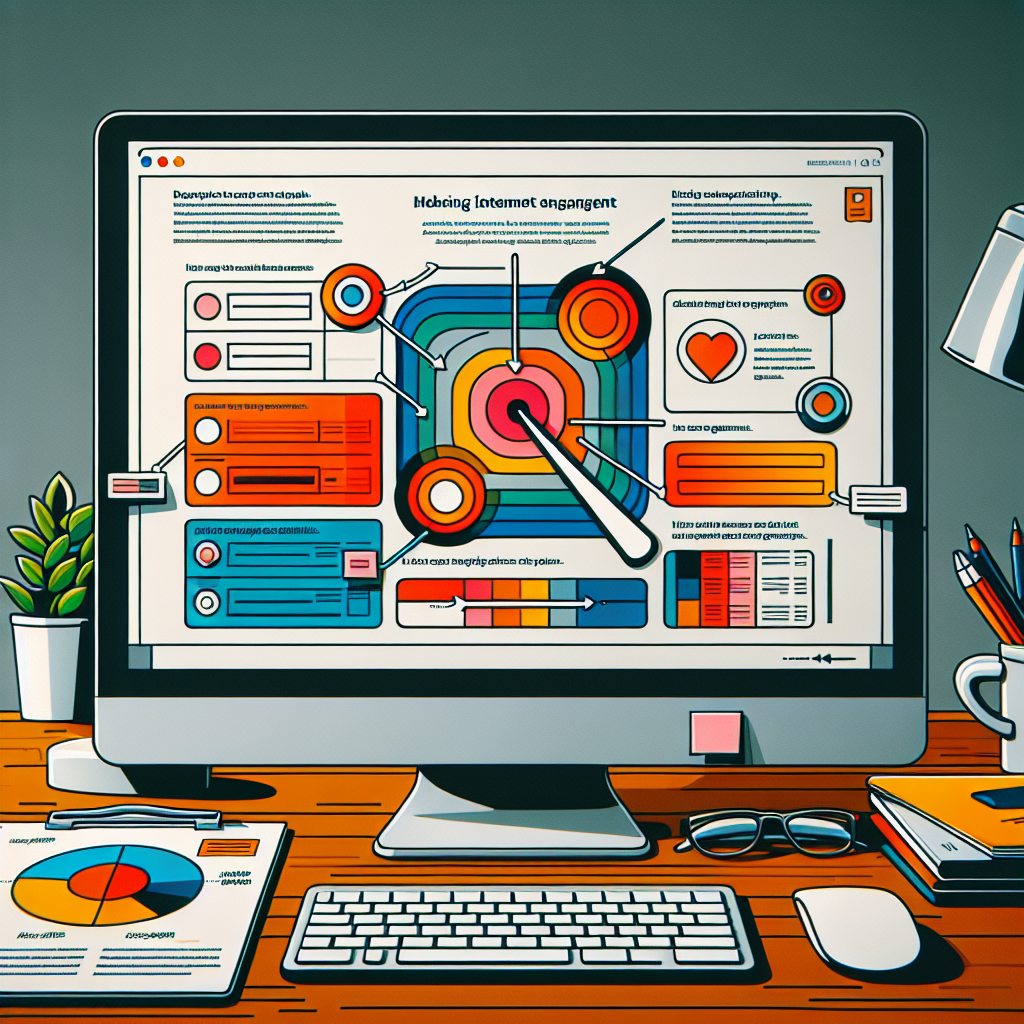
When you’re trying to get a grip on how users interact with your content, heatmaps are like those helpful roadmaps but for user behavior. Imagine looking at a colorful representation of your page that highlights where users are clicking, scrolling, or even ignoring. It’s a fantastic tool that translates actions into visuals. With heatmaps, you get a chance to actually ‘see’ the user journey, quite literally.
Heatmaps typically color different areas with hues ranging from red (indicating high activity) to blue (indicating low activity). It’s like having a thermal imaging camera for your website, but, instead of detecting heat, you’re detecting user engagement. This visual representation helps pinpoint exactly what’s working and what’s not on your page.
From my experience, the fascinating part of heatmaps is their ability to reveal patterns you wouldn’t catch otherwise. They strip down user activity into an easily digestible format, making it simpler to recognize and target areas ripe for improvement. If you’re looking to boost interaction and get deeper insights into user behavior, heatmaps are your go-to tool.
Types of Heatmaps
Now, heatmaps come in different flavors, and each serves a specific purpose. First off is the click map. Think of it like a heat sonar that pings every time a user clicks on your page. These maps reveal where users click most, whether it’s your killer CTA, a dead link, or an unexpected area of interest.
Then there’s the scroll map, which, as the name suggests, shows how far users are scrolling down your page. You’d be surprised how often people bail out prematurely, and these maps can highlight where that drop-off point occurs.
Finally, we have move maps, which track mouse movements. They’re great for identifying attention areas; just like eye-tracking but with less technology involved. Move maps help you see which parts of your content catch the user’s eye and keep it there.
The Value of Heatmaps for Content Creators
For content creators looking to optimize their material, heatmaps offer invaluable insights. By understanding how users interact with content, creators can tailor their strategies to fit audience behavior. It’s like having a secret weapon in your marketing arsenal.
Think of the time and effort you put into crafting engaging content; heatmaps ensure that work doesn’t go unnoticed. By identifying which parts of your content are drawing attention or being glossed over, you can fine-tune these elements. This is where real magic happens—engagement goes up, bounce rates go down, and conversions start looking sweeter than ever.
With heatmaps, you gain a clearer, often eye-opening view of the user experience. Knowing when and where users disengage allows you to adapt content seamlessly, molding it into a format that captivates and retains interest.
Utilizing Heatmaps to Analyze User Behavior
Gaining Insights from User Interactions
Alright, so you’ve got yourself acquainted with heatmaps. But how exactly do you use them to glean insights? Start by grappling with user interactions through the lens of these colorful maps. Let them guide you to understand different user touchpoints across your site.
If, for example, your click map is lit up around a certain call-to-action, you know you’re doing something right. On the flip side, if your users are clicking more on images than text, it’s a cue to reevaluate your content strategy.
This interaction data can lead to a clearer picture of user preferences, helping you make informed decisions on content layout, design, and structure. Remember, in the world of content, every click and scroll tells a story. It’s your job to interpret that narrative and adapt accordingly.
Identifying Trends and Patterns
Once you’re knee-deep in heatmap data, it’s time to start identifying trends. Patterns often emerge that reveal deeper insights into user behavior, beyond basic clicks or scrolls. Perhaps you’ll notice a consistent path users take, or maybe a recurring drop-off point. Those insights are gold.
By observing these trends, you can determine which elements consistently drive engagement. Maybe your readers love your blog’s personal tone—or perhaps they can’t get enough of your interactive infographics.
Heatmaps open a window into seamless interpretation of these trends, allowing you to align your content strategies more closely with what users truly value. It’s like becoming a detective in the realm of digital experiences.
Adjusting Content Strategy
After you’ve gathered and analyzed user data, it’s time to adjust your content strategy. This isn’t just about making minor tweaks; it’s about allowing data-driven decisions to dictate larger strategy shifts.
Let’s say your scroll map shows that users drop off before reaching key information. It’s time to front-load your main points to capture attention earlier. Maybe your move maps have unveiled that visual content gets more attention than text—start emphasizing visuals more.
Adjustments don’t just stop at content. They can influence how you design your entire website or a particular landing page. Remember, the ultimate goal is to create a seamless and engaging user experience, and heatmaps are your trusty compass.
Implementing Changes Based on Heatmap Data
Optimizing Web Pages for Better Interaction
Using heatmap data, one of the first steps in boosting content engagement is optimizing your web pages. When you see where your users click or hover most, you can strategically position essential content to capitalize on their natural movements.
For instance, if your key messages or products aren’t getting the clicks they deserve, rearrange your layout to focus user attention there. This could involve repositioning buttons or adjusting text placement on the page.
Don’t be afraid to A/B test different layouts based on your heatmap findings. It’s an iterative process, aimed at maximizing engagement and ensuring seamless user interactions.
Improving Content Layout
Improving content layout is a game-changer, especially when armed with heatmap insights. You want to ensure that your audience finds the information resonant and accessible, which means having a layout that’s both visually appealing and functional.
Heatmaps may reveal that visitors spend more time on certain sections, which could indicate where to enhance content. For those areas that get skipped over, reconsider their importance or presentation style.
Strategically organizing your web content can be the defining factor that keeps users engaged and browsing longer. Design with user experience in mind, ensuring the journey is not only intuitive but also captivating.
Enhancing Engagement through Design
It’s nice to look at a beautiful design, but design is more than just aesthetics—it’s about encouraging user interaction. Engaging design not only boosts how your content looks but also how it feels and works for the user.
Heatmap data informs how you can tailor this design to better align with user behavior patterns. Maybe your sidebar isn’t working, and the heatmap shows a complete cold zone. Time for a redesign to include more engaging elements.
Use colors and design changes effectively as prompts guiding user attention. Smart design can encourage longer dwell times and bolster content interaction, turning visitors into loyal followers or customers.
Measuring the Impact on Content Engagement
Tracking Metrics Post-Implementation
Once you’ve made changes based on heatmap analysis, it’s crucial to track key metrics to measure their impact. Pay close attention to statistics like page views, time-on-page, and bounce rates before and after alterations.
Tracking these metrics gives you a clear picture of the effectiveness of your adjustments. It’s important to ensure that user engagement is genuinely improved and not just an anomaly or short-term spike.
This analytic phase is essential in determining the true impact of your heatmap-driven strategies and whether further iterations are necessary to refine them. Keep a pulse on these metrics for ongoing success.
Refining Strategies with Continuous Heatmap Monitoring
Don’t stop at the first analysis; continuous monitoring with heatmaps helps refine strategies over time. As user behavior shifts, so should your strategies. It’s all about consistently optimizing for the best results.
Use heatmaps to continue developing new insights and reassessing the long-term effects of changes. It’s not just about making a single change and moving on; it’s about evolving with your audience’s needs.
Ultimately, the goal is to develop a dynamic content strategy that’s informed by ongoing data, providing your users with an ever-improving experience tailored to their engagement behaviors.
Evaluating Success and Areas for Improvement
Success in using heatmaps for content engagement comes down to objectively evaluating areas of improvement. It means stepping back and critically assessing what’s working and what needs further enhancement.
While heatmaps offer a lot of insight, they should complement a broader set of analytical tools to offer a comprehensive view of user behavior. Use this data not just to celebrate wins but also to highlight areas where potential improvements can be made.
Remember, improving content engagement through heatmaps is a journey. Evaluate regularly, adjust where necessary, and stay committed to creating the best possible user experience. This ongoing reflection is what ultimately leads to growing, sustainable success.
Frequently Asked Questions
What are the main benefits of using heatmaps for content engagement?
Heatmaps offer insights into user behavior that aren’t obvious from raw data alone. They visually highlight areas of interest and inattention, allowing you to make informed decisions to optimize user engagement and content performance.
How often should I analyze heatmap data?
Regular analysis is key to staying on top of changing trends. I’d recommend reviewing heatmap data at least once a month or whenever you notice any significant changes in user behavior. This helps keep your content strategy aligned with user interactions.
Can heatmaps be used for mobile content analysis?
Absolutely! Heatmaps are not limited to desktop analysis. They can be pivotal in understanding mobile user behavior, which is increasingly important as more users engage with content via mobile devices. Mobile heatmaps can reveal unique insights about touch interactions.
What should I do if heatmap data contradicts other analytics tools?
Contradictions can happen, so it’s essential to investigate further. Use your heatmap data alongside other analytics to interpret the bigger picture. Sometimes, you might uncover new insights that were previously unnoticed, leading to refined strategies.